Ecommerce
Virtual try-on for ecommerce: how it works for stores
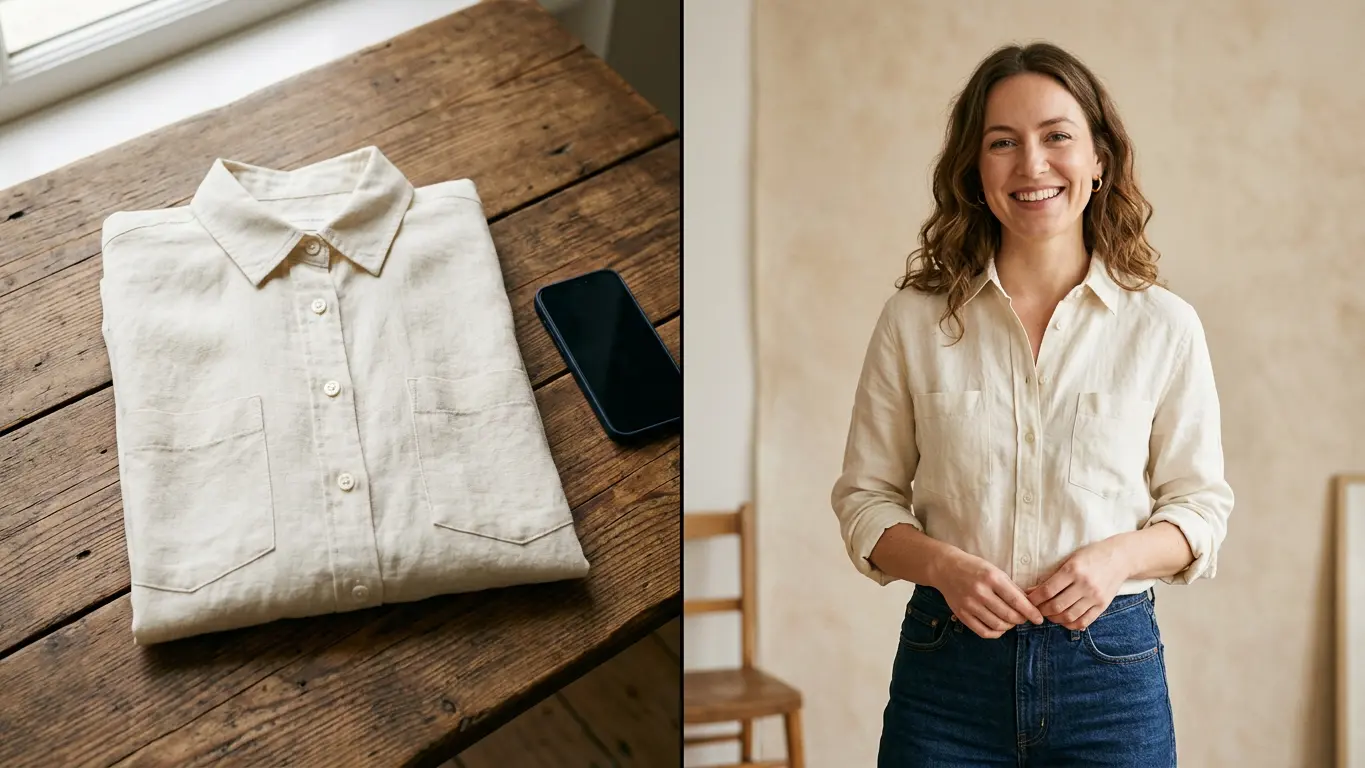
You have a model and a photo you like. Virtual try-on puts your new garment on them without a reshoot, with the same face, the same pose and the same background.
3 min read
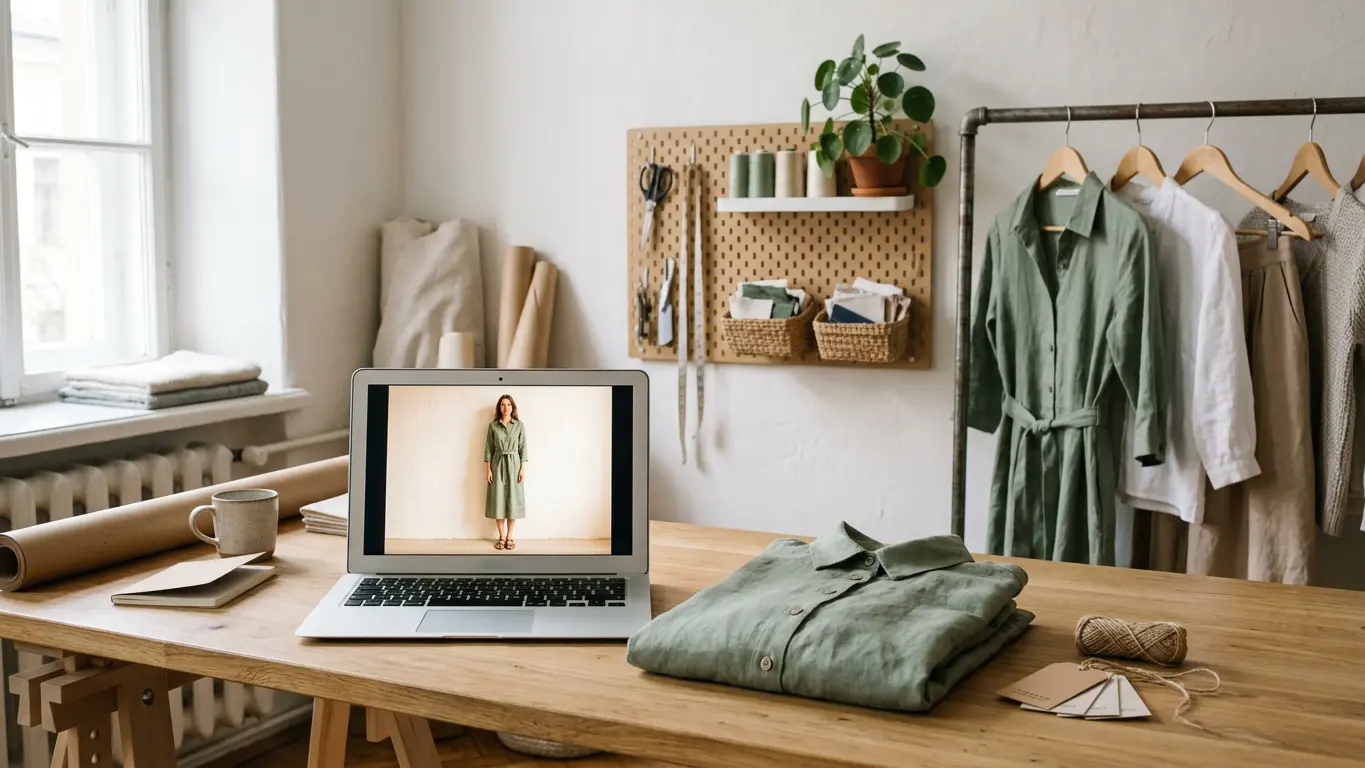
Most people hear virtual try-on for ecommerce and picture a shopper trying clothes on from their phone. This post is about a different use, the one that saves a small store the most: dressing a person you already have a photo of in your new garment. The face, pose and background stay as they are, and only the clothes change.
What it's for in an online store
If you already have a model who works, it makes sense to show the whole collection on them. With try-on you don't need to book them or a studio every time new stock arrives. These are the most common uses:
- Keep the same face on every product page, so the store looks like one shoot.
- Dress a member of staff or your regular model in new stock, with their consent stored on your account.
- Run an A/B ad test where only the garment changes and everything else stays the same.
- Show a piece on a person before the stock arrives, using a photo of the first sample.
How it works, step by step
- Choose the person: a model from your casting, a saved model, or a full-body photo of a real person who has signed their consent in Amondu.
- Upload the garment photo and say what it replaces: a top, a bottom or a full piece like a dress.
- Generate and compare the result with the original photo. Keep the ones that fit well and download them.
Each run gives you up to four photos at 2K, and each takes about a minute. The tool is Virtual try-on.
Which photos you need
The result depends mostly on the two photos you upload. Check these points:
- The person photo full-body and facing the camera, with the arms away from the torso.
- Ideally that person wears something close in shape to the new garment. A fitted top swaps more cleanly than a puffy coat.
- The garment flat or on a hanger, without anyone wearing it.
- Both photos sharp and well lit. Blurry or dark photos lose detail in folds and prints.
If you don't have any model photo yet, start by putting the garment on a generated model, then use try-on for the rest of the collection.
Real people and consent
You can use a photo of a real person, yourself included, as long as they sign their consent inside the platform. For your own face there's also an identity check, which takes a few minutes. If someone withdraws consent, their face is blocked for new generations straight away.
Virtual try-on or garment to model
Both tools end in an on-model photo, but they start from different places. Garment → Model creates the photo from scratch based on the garment: you pick the model, the pose and the setting. Try-on starts from a photo that already exists and only changes the clothes. If you don't have a model yet, start with the first one; here's how to go from a flat lay to an on-model photo. To decide which kind of model suits you, read what AI models for clothing brands are.
An on-model photo usually costs 6 credits, and you see the total before you generate. If a generation fails, the credits go back to your balance. New accounts start with 25 free credits, and plans are on the pricing page.
Frequently asked questions
Can shoppers try clothes on from my store?
No. Amondu's try-on is for you to prepare product photos: you dress a model in your garment and publish the result on your website, marketplace or social media.
Does the model's face stay the same?
Yes. The face, pose and background of the original photo stay and only the clothes change. Always check the result before you publish it.
What happens if a generation fails?
You aren't charged. Credits are reserved when the job starts and only spent when you get the result.