AI
AI models for clothing brands: a practical guide
An AI model doesn't exist, but she can wear your whole collection. Here's what that means, when it makes sense and how to keep each photo true to the garment.
3 min read
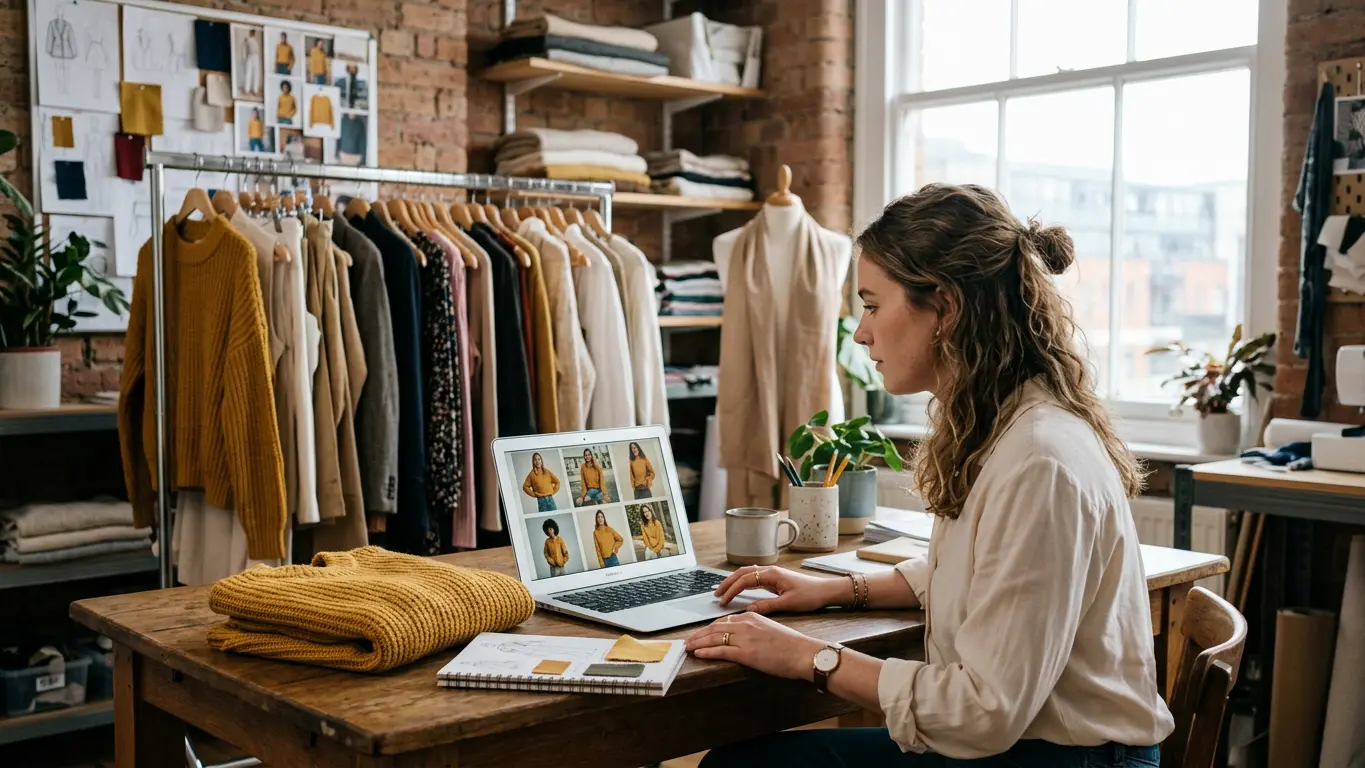
More and more stores show their clothes on people who don't exist. AI models for clothing brands are generated faces and bodies that wear your products the way an agency model would. For a small brand that changes the maths, because you no longer need to hire someone every time a new piece arrives.
Below: what they actually are, what you can do with them, how to choose one and when a real person is still the better call.
What an AI model is
It's a person generated by an image model. She has no name, no schedule and no usage rights that run out. On Amondu every model in the casting has a face reference, so the same person can appear in hundreds of photos and still look like herself.
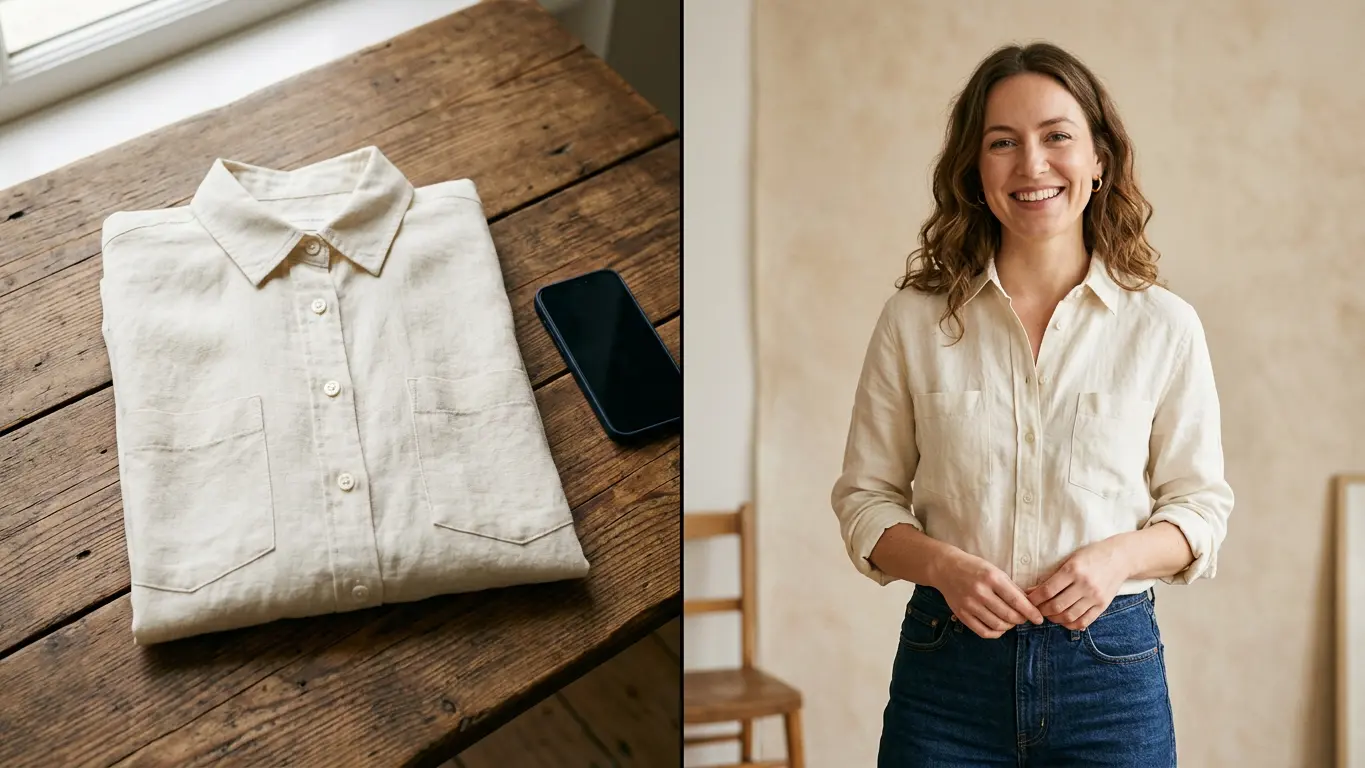
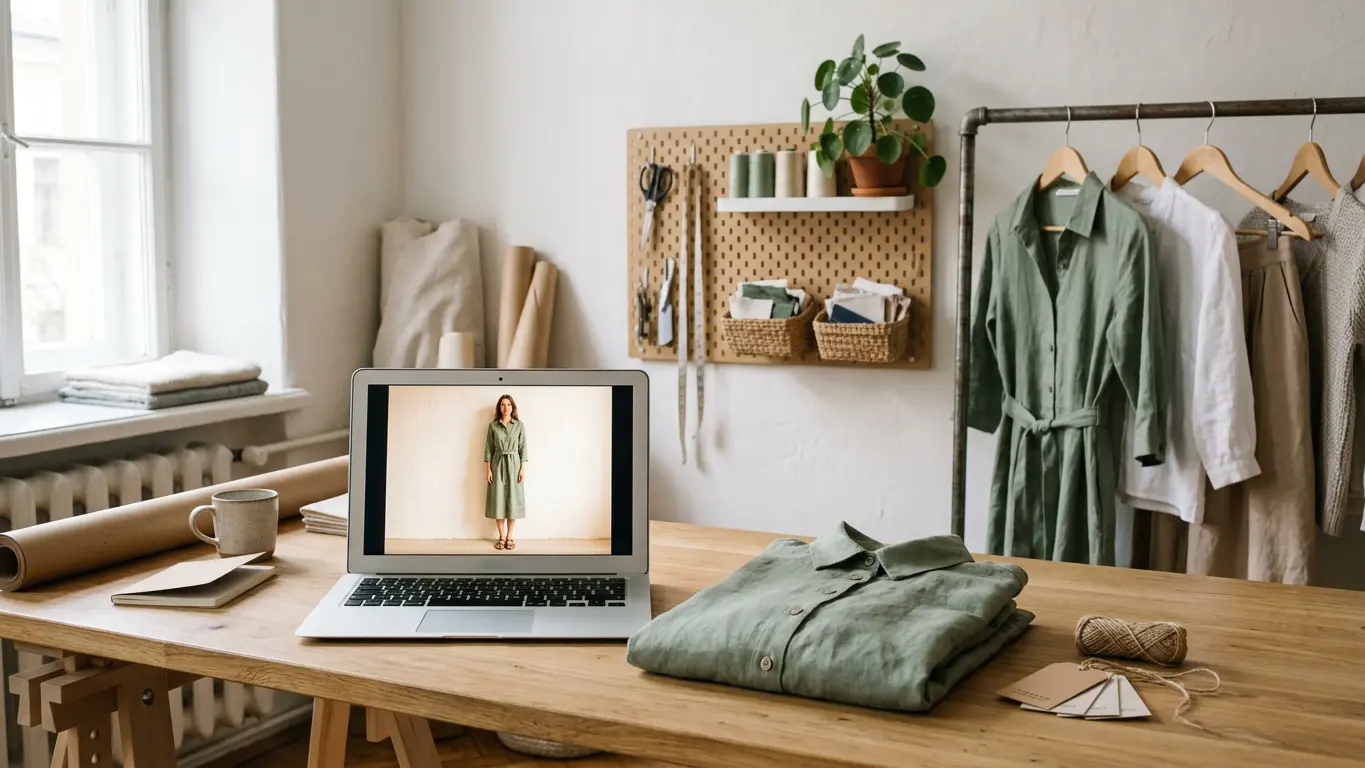
The garment, on the other hand, is yours. You upload a photo of it (flat, on a hanger or on a mannequin) and the AI puts it on the model. Color, print and logo come from your photo, so what the shopper sees is what they get.
What you can do with them
- On-model photos of every new product without waiting for the next shoot.
- The same garment on models of different ages, sizes and skin tones.
- A campaign adapted for another market by changing only the person in the photo.
- One model for the whole collection, so the store looks consistent.
The first one is what Garment → Model is for. If you already have good photos and want a different face or body type, Model swap keeps the clothes, pose and lighting and changes only the person.
How to pick a model for your brand
Start with your customers, not with whoever looks best. If you sell to women aged 40 to 55, a 20-year-old in every photo sends an odd message.
- Look at who buys from you: age, size and style.
- Pick two or three models from the casting who look like that audience.
- Try the same garment on each and keep the one that shows it best.
- Use that model across the collection so your product pages look like one store.
If nobody fits, you can create a model from attributes such as skin tone or build. You choose between four candidates and Amondu makes her reference sheet so she looks the same in every photo.
What you need to check
AI sometimes gets details wrong. Before a photo goes on your store, put it next to the real garment and check the color, length, buttons and print. If something's off, fix that area in the editor or generate another version. We walk through it in how to go from a flat lay to an on-model photo.
Every Amondu photo carries C2PA metadata saying it was made with AI. Some marketplaces ask you to disclose that, so keep the label when you edit the image.
When a real person is the better choice
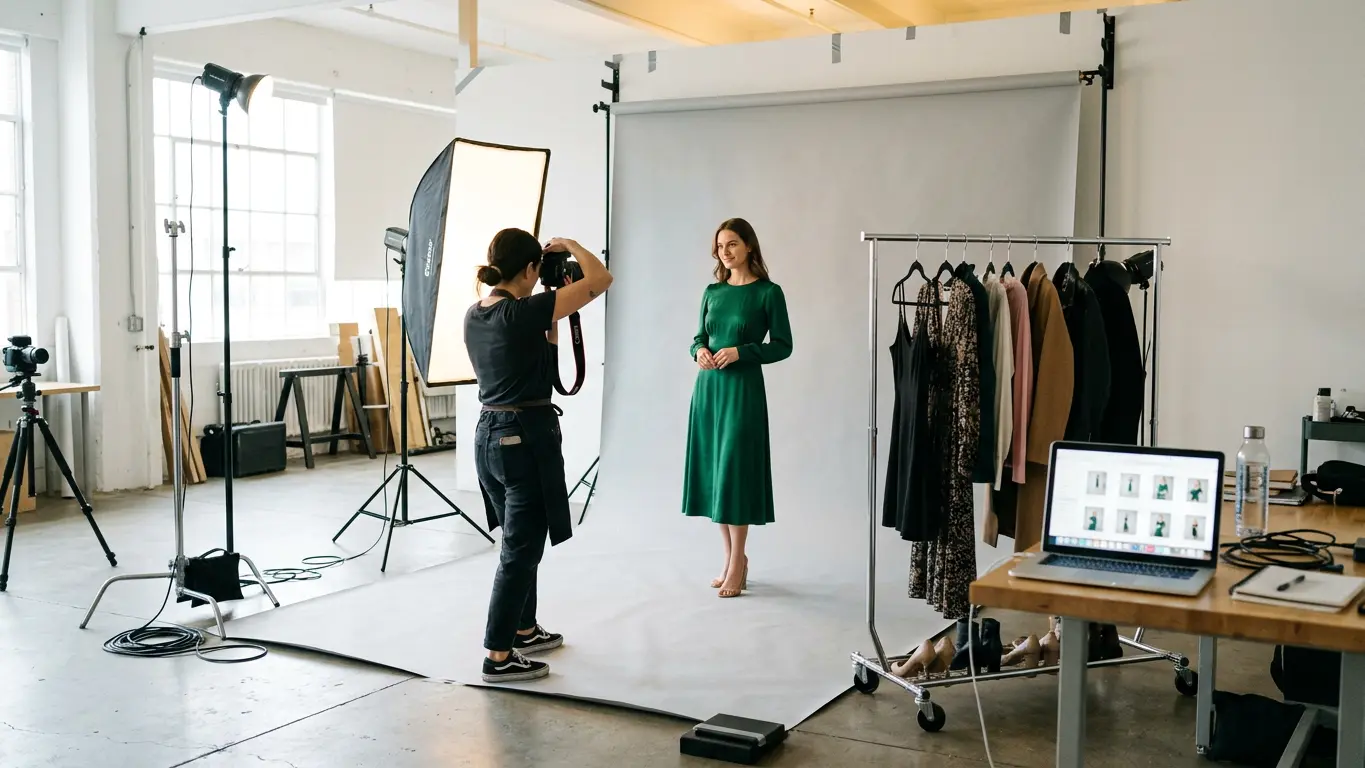
If your brand is built around a known face, an ambassador or a campaign with a very specific creative idea, a photoshoot still makes sense. And if you want to use a real person's face with AI, Amondu only allows it with their signed consent and verified identity.
For the rest of the catalog, which is most of it, AI models cost a lot less. To run the numbers, see how much a fashion photoshoot costs, and Amondu's plans are on the pricing page.
Frequently asked questions
Can I use AI model photos in my store and in ads?
Yes. You can use them in your store, on marketplaces, in ads and on social media.
Does the model look the same in every photo?
Yes. Every model in the casting has a face reference, so it's the same person across the collection.
Can I create a model who looks like a real person?
Only if that person has signed a consent form and verified their identity on Amondu. Otherwise, use the casting or create a model from attributes.