Ecommerce
Shopify product image size: a guide for fashion
A 2048×2048 square is the size that works best for a fashion store's product gallery. Here is why, and how to keep every photo the same.
3 min read
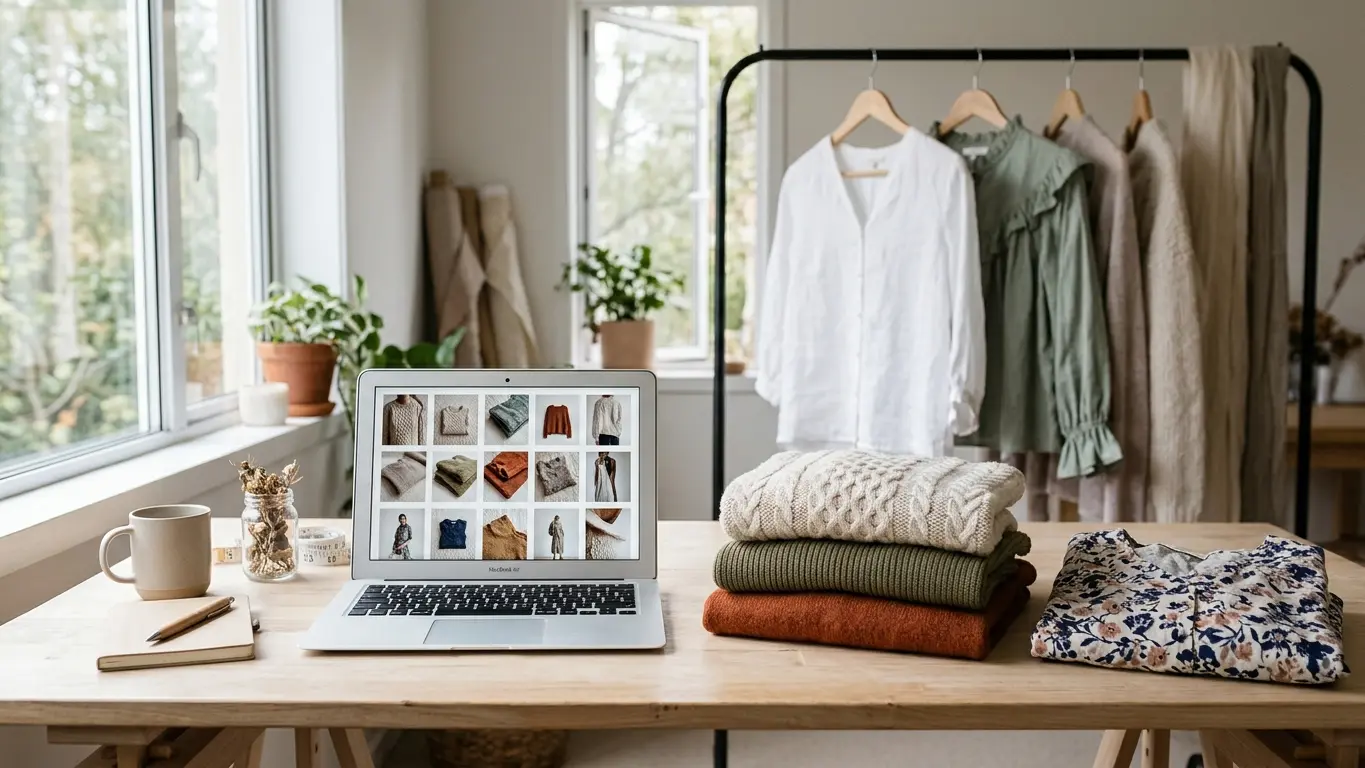
Shopify product image size is one of those things nobody decides on purpose and then it shows up across the whole store. You upload a tall photo, the next day a square one, and the collection page ends up with garments at different sizes. In fashion that hurts, because the gallery is most of the product page. The good news is you don't have to land on some odd number: a big square with the same framing on every photo gets you there.
The size that works best: 2048×2048 square
For product photos, a 2048×2048 pixel square is the comfortable spot. It's large enough that the product-page zoom stays sharp and light enough that the page loads fast. Shopify accepts bigger images, but a clothing store rarely needs them, and a huge file only makes the page slower.
What really changes how the store looks isn't the exact number, it's always using the same ratio. If all your photos are 1:1, the collection grid lines up and the eye jumps from one garment to the next without snagging. Mixing tall and square is what leaves those odd gaps and crops.
Aspect ratio: pick one and keep it
The 1:1 square is the safe choice because it's how Shopify crops thumbnails by default and it sits the same on phone and desktop. The 4:5 vertical shows more of the body and looks good on long garments, but only if you use it across the whole store. The rule is to have a single ratio, not the perfect ratio.
- 1:1 square: the most versatile for a catalog, and the best fit in collections.
- 4:5 vertical: more of the body in frame, good for dresses and coats if you apply it everywhere.
- Background: white or a flat color for the packshot, a scene for lifestyle photos, but don't mix the two in one gallery.
File weight and format
A well-compressed product photo loads faster and ranks better, so export as WebP or JPEG and keep PNG for when you need a transparent background. Don't upload the raw 8 or 10 MB file straight from the camera: shrink it first. The sharpness a shopper sees comes more from framing and light than from the heaviest possible file.
Before you upload a whole collection, publish a single product and look at it on a phone, which is where most people buy. If that one looks right, the rest at the same size and ratio will too.
How to get the right size from Amondu
If you generate the photos with Amondu, you don't have to resize by hand. When you download, there's a Shopify format that already comes out square at 2048×2048, made so the whole page lines up. For a packshot on a clean white background there's Packshot, which gives you the garment cut out and ready for the gallery.
On resolution, the free account exports at 2K and paid plans go up to 4K, in case you want a large master for campaigns or print. You can see what each plan includes on the pricing page. For a Shopify product page you don't need 4K: the 2K square is plenty.
Make a packshot for the product page
And if what you want is the whole workflow, from importing products to pushing the photos back to each product page with alt text, it's step by step in AI product photos for Shopify.
Frequently asked questions
What image size do you recommend for a Shopify product page?
A 2048×2048 pixel square works for almost any fashion store: sharp on zoom and light to load. What matters most is that every photo uses the same size and the same ratio.
Square or vertical?
Square 1:1 if you want the safest, most uniform option. Vertical 4:5 shows more of the body and suits long garments, but only if you use it across the whole store. Pick one ratio and keep it.
Does Amondu export at Shopify's size?
Yes. When you download, there's a Shopify format that's square at 2048×2048. The free account exports at 2K and paid plans go up to 4K.